How Google Ads Work for Small Businesses: A Beginner’s Guide
For small businesses looking to grow online, Google Ads can be one of the fastest and most effective ways to reach customers. But if you’re new to online advertising, the platform can feel confusing at first.
This guide breaks down how Google Ads work for small businesses, how much they cost, and how you can use them to drive leads, sales, and brand awareness—without wasting your budget.
What Is Google Ads?
Google Ads is Google’s pay-per-click (PPC) advertising platform. It allows businesses to show ads on:
- Google Search results
- YouTube
- Google Maps
- Partner websites across the web
You only pay when someone clicks your ad, not when it’s shown.
How Google Ads Work (Step-by-Step)
1. You Choose Keywords
Keywords are the words or phrases people type into Google, such as:
- “plumber near me”
- “best digital marketing agency”
- “buy running shoes online”
Your ad appears when someone searches for keywords relevant to your business.
💡 Tip for small businesses: Start with high-intent keywords that indicate a user is ready to buy or contact you.
2. You Set Your Budget
Google Ads lets you control costs by setting:
- A daily budget
- A maximum cost per click (CPC)
You can start with as little as $5–$10 per day, making it ideal for small businesses with limited budgets.
3. Google Ads Uses an Auction System
Every time someone searches on Google, an auction happens instantly.
Google ranks ads based on:
- Bid amount
- Ad relevance
- Quality Score (click-through rate, landing page experience, keyword relevance)
👉 This means higher budgets don’t always win—better ads can outperform bigger competitors.
4. Your Ad Appears in Search Results
If your ad wins the auction, it appears:
- At the top of Google search results
- Or below organic listings, marked as “Sponsored”
When users click, they’re sent to your website, landing page, or call button.
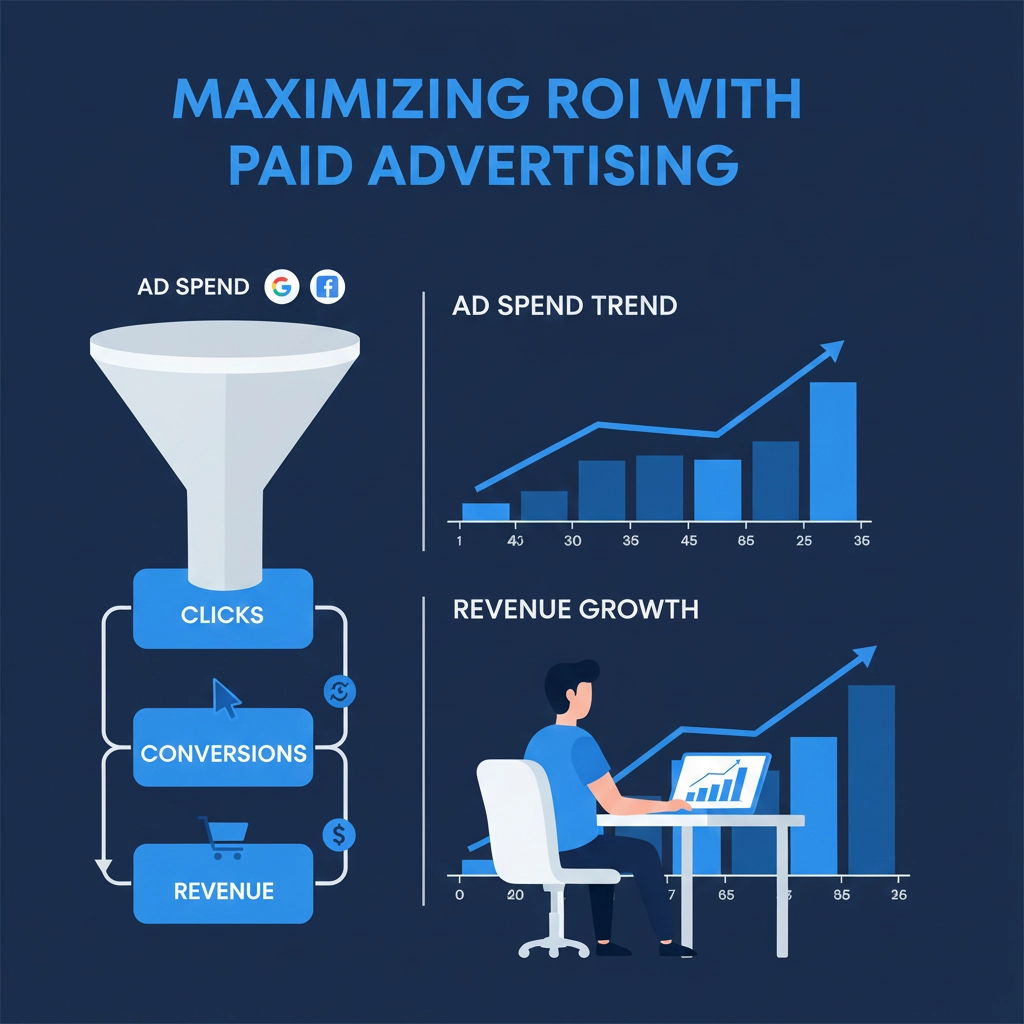
5. You Pay Only for Clicks
This is why Google Ads is called pay-per-click advertising.
If no one clicks your ad, you don’t pay—simple and measurable.
How Much Do Google Ads Cost for Small Businesses?
There’s no fixed price, but on average:
- $1–$5 per click for many small business industries
- Competitive industries (legal, insurance) may cost more
The real goal isn’t cheap clicks—it’s profitable conversions.
📌 Example:
- Spend $300/month
- Get 30 leads
- Close 5 customers
- ROI far outweighs ad spend
Why Google Ads Are Great for Small Businesses
✅ Instant Visibility
Unlike SEO, which takes time, Google Ads can generate traffic within hours.
✅ Local Targeting
Show ads only to people in your city or service area.
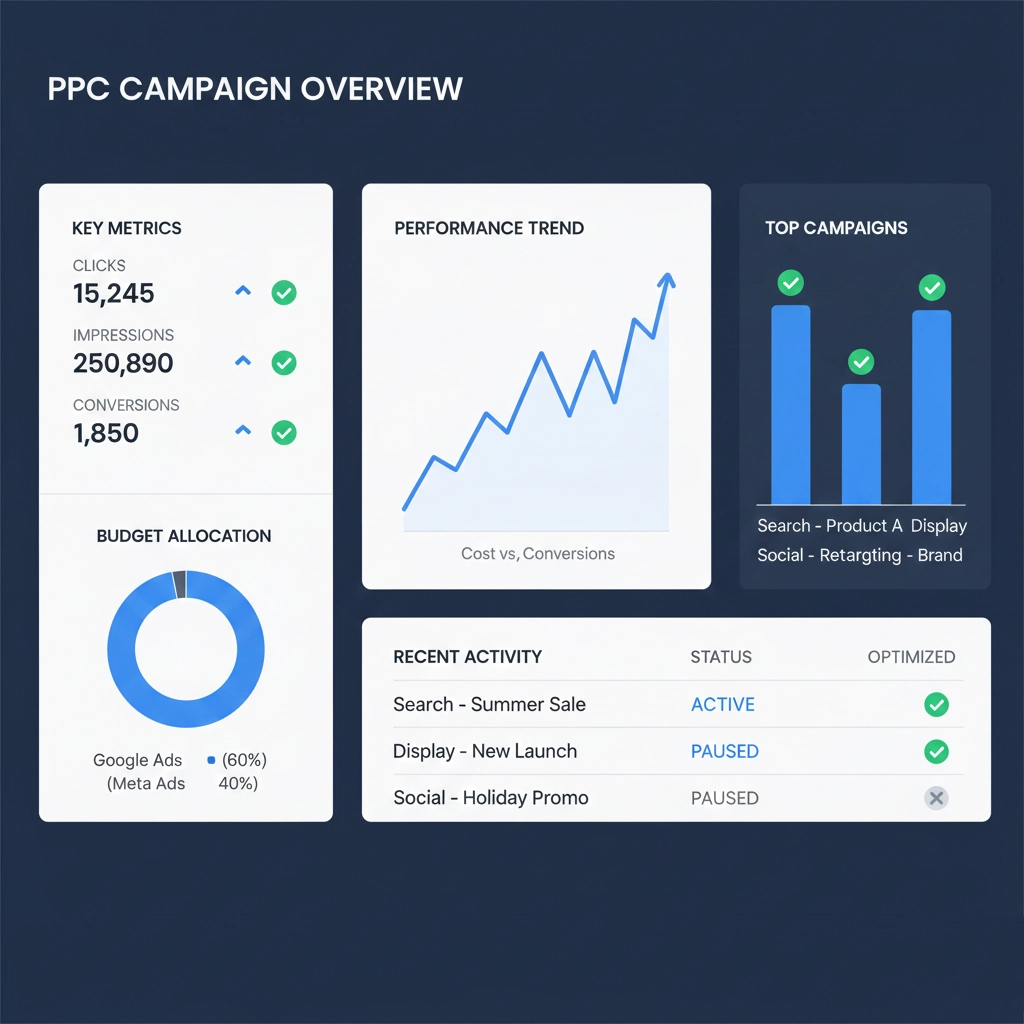
✅ Measurable Results
Track:
- Clicks
- Calls
- Form submissions
- Sales
✅ Scalable Growth
Increase budgets once campaigns start converting.
Common Google Ads Mistakes Small Businesses Make
❌ Targeting too many keywords
❌ Sending traffic to a weak landing page
❌ Ignoring negative keywords
❌ Not tracking conversions
❌ Running ads without testing
Avoiding these mistakes can dramatically improve performance.
Tips to Succeed with Google Ads
- Start with Search Ads, not Display
- Focus on buyer-intent keywords
- Use clear calls-to-action
- Optimize landing pages for speed and mobile
- Review campaigns weekly
Is Google Ads Worth It for Small Businesses?
Yes—when done correctly.
Google Ads works best when:
- You have a clear offer
- Your website converts visitors
- Campaigns are optimized regularly
Many small businesses rely on Google Ads as their primary lead-generation channel.
Final Thoughts
Understanding how Google Ads work for small businesses puts you in control of your marketing budget. With the right keywords, smart bidding, and ongoing optimization, Google Ads can deliver predictable and scalable growth.
If you’re just starting, begin small, track results, and improve over time.